Desk Cable Management in India: How to Hide and Organise Wires on a Budget
If your work-from-home desk has a nest of wires behind the monitor and a phone charger that slides off the edge every morning, you can fix most of it in about 15 minutes without drilling a single hole. The trick is to do three things in order: sort what you actually use, bundle the long runs, then fix everything in place. Which product you buy depends on which of those jobs is bothering you most. We have not tested these products ourselves, so this guide tells you what to check on each listing instead of promising results.
Quick pick: start with a self-adhesive cable clip set. It solves the most common irritation (cables dropping off the desk edge), it is a low-cost item, and it covers step 3 of the method below. Check today’s price on Amazon. Pick a set that states its adhesive type and the cable thickness it holds. As an Amazon Associate I earn from qualifying purchases.
How do you organise cables on a desk?
Route, bundle, fix. Decide where each cable should run, group the ones that travel together, then fix the bundle so gravity cannot undo your work. A tidy desk is also easier to think at. If you are trying to build a better work routine, the 80/20 productivity system explains why clearing the clutter first makes the important tasks easier to start.
The three-step fix
Step 1: Unplug and sort (5 minutes). Switch everything off and lay the cables out on the desk. You will almost certainly find a few you no longer use, such as an old phone charger or a spare HDMI lead. Remove them. Note which cables go to the same place, like a monitor’s power and HDMI. Fewer cables is the cheapest cable management there is.
Step 2: Bundle (5 minutes). Group cables that run the same way with a zip sleeve or reusable velcro ties. Leave a little slack and do not pull tight.
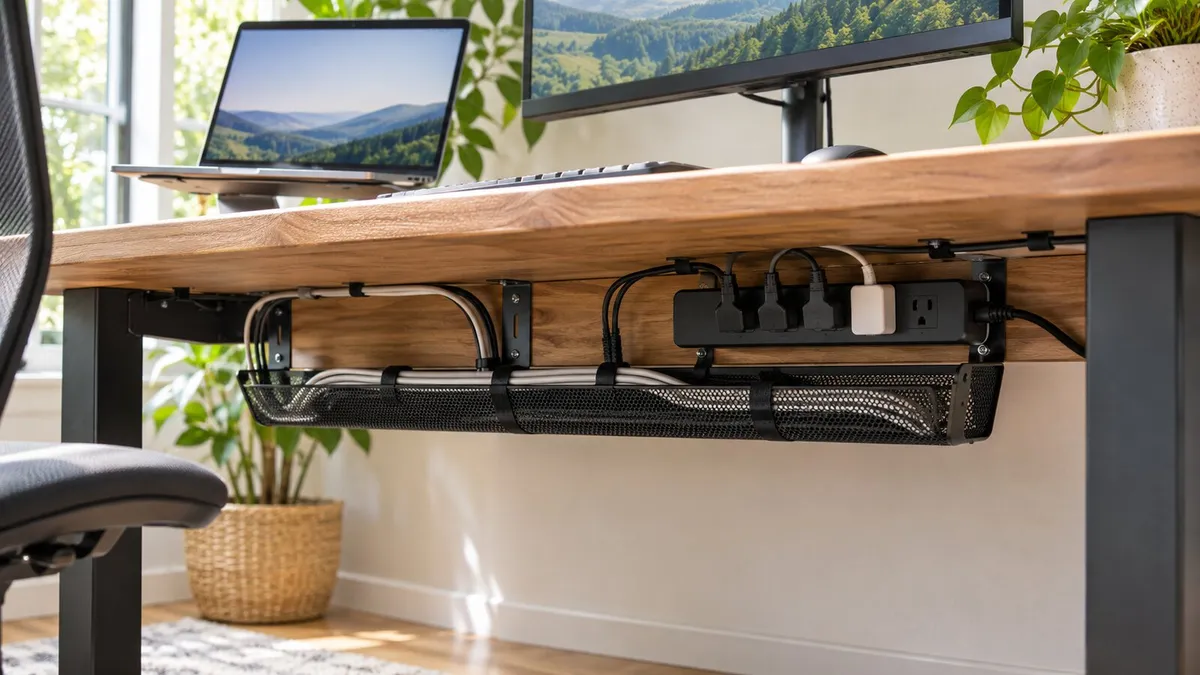
Step 3: Fix in place (5 minutes). Stick clips along the back or edge of the desk and route each bundle through them. If you can, get the power strip off the floor with a tray or a clamp-on holder, which also keeps it away from a mop on cleaning day. Plug back in and check every device.
Pick by your problem
| Your problem | Best tool | Watch out for |
|---|---|---|
| Cables fall off the desk edge | Self-adhesive cable clips | Clean the surface first; check which surfaces the adhesive suits |
| Tangle behind the monitor or PC | Neoprene zip sleeve or velcro ties | Measure the bundle width before choosing a sleeve |
| Power strip and adapters on the floor | Under-desk cable tray | Check the tray fits your desk thickness and can carry the strip’s weight |
| Charger cables keep dropping | Desktop cable holder or small clips | Choose slots that fit your cable thickness |
| You rearrange often | Reusable velcro ties | Not ideal as a permanent hold for heavy bundles |
Clips, sleeves, velcro ties or trays: which should you buy?
- Clips hold single cables or small groups to a surface. Cheap and quick.
- Sleeves hide a group of cables in one tube. They look the cleanest, but you need either a zip type or the patience to thread cables through.
- Velcro ties are reusable and easy to undo when you add a device.
- Trays lift the power strip and adapters off the floor. They cost more than the rest and are worth it mainly if the floor mess is your main complaint.
If you can only buy one thing, buy clips. If the tangle behind the desk is worse than the edge problem, add a sleeve or ties.
What to check before you buy
- Adhesive and surface. Adhesive clips stick best to clean, smooth surfaces. Textured, dusty or oily finishes can let go, which matters in a humid city like Mumbai or Chennai, where adhesive can also soften over time. Wipe the spot first and try one clip before sticking twenty. Peeling clips off can mark some finishes, so test somewhere hidden.
- Cable thickness. Compare the slot size with your thickest cable. A laptop charger is far thicker than a phone cable. Skip any listing that says “holds many cables” without giving a size.
- Sleeve diameter. Measure your bundle. A sleeve that is too narrow will not close.
- Tray clamp thickness. Clamp trays list a maximum desk thickness. Measure yours, especially if it is a thick wooden or study-table top.
- Power strip weight. Check the tray’s stated load against your strip and adapters.
The cable organisers worth a look
Prices on Amazon change, so we give bands only. Check the day’s price. Each link opens an Amazon.in search for that product type, so you can compare several listings and read reviews before choosing.
| Item | Best for | Price band | Link |
|---|---|---|---|
| Self-adhesive cable clip set, 20-30 pcs. Top pick. | Desk edge and wall runs | Low | Check today’s price |
| Reusable velcro cable ties | Easy rearranging | Low | Check today’s price |
| Neoprene zip cable sleeve, 1 m | Monitor and PC cable bundle | Low to mid | Check today’s price |
| Under-desk cable tray (clamp or screw mount) | Power strip off the floor | Mid | Check today’s price |
| Desktop charging cable holder | Phone and laptop charger cables | Low | Check today’s price |
A budget starter kit
For the cheapest sensible set-up, buy three things: a cable clip set, a pack of velcro ties and one cable sleeve. Between them they handle the edge, the bundle and the tangle. Add a tray later if the floor still bothers you. We do not quote a total because prices move, so add up the day’s prices before you order.
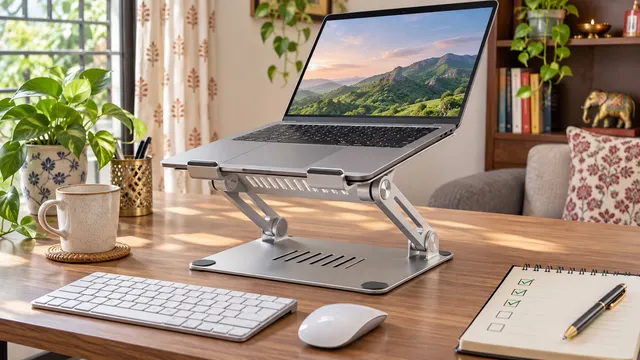
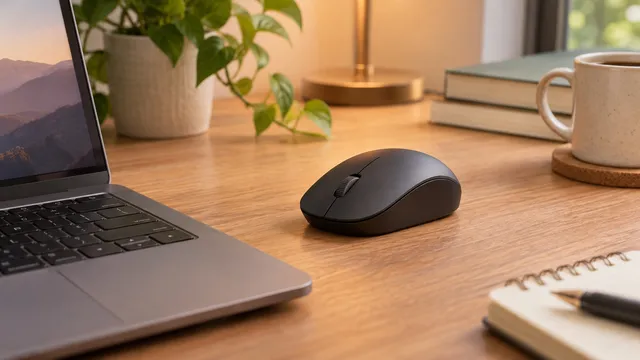
Going wireless also means fewer cables to manage. A wireless mouse removes one lead, and if you are raising your laptop, set up your laptop stand first so you only route the cables once.
Safety: keep it loose and cool
This is general caution, not a technical standard. Do not bundle lots of power cables tightly together, and do not wrap or cover a power adapter that gets warm. Keep adapters and power strips where air can reach them, and do not overload a strip, which is easy to do in a small Indian flat with one socket near the desk. If a cable feels hot, looks damaged or smells odd, unplug it and replace it.
Frequently asked questions
How do I hide cables on a desk without drilling?
Use self-adhesive clips along the back or edge, a zip sleeve for the bundle, and a clamp-on tray if you want the power strip off the floor. None of these needs drilling. Choose a clamp tray rather than a screw-mount one if you want no holes at all.
Do adhesive cable clips damage a desk?
They can, depending on the desk finish and the adhesive. Some finishes can be marked or peel when the clip comes off. Test one clip in a hidden spot first and remove it slowly.
Cable sleeve or velcro ties: which is better?
Sleeves look neater and hide the bundle. Velcro ties are cheaper to change and handy when you add devices often. Many people use both.
Do I need an under-desk cable tray?
Only if you have a power strip or adapters on the floor and want them off it. If your problem is cables slipping off the edge, clips are enough.
How do I stop charging cables from falling off the desk?
Use a desktop cable holder, or stick a clip near your charging spot so the cable end has somewhere to sit.
How many cables can one cable clip hold?
It depends on the slot size and the cable thickness. Check the size stated on the listing, and do not force thick cables into a small slot.
Where to go next
- Set up your laptop stand
- A wireless mouse means one less cable
- A clear desk helps you focus on the tasks that matter
- The complete work-from-home desk setup
- A silent mouse for quiet rooms
- More in Gadgets
Affiliate disclosure: this page contains Amazon.in affiliate links. As an Amazon Associate I earn from qualifying purchases.
More in Gadgets
- Gadgets
Study Table Lamp in India: How to Choose the Right One for Studying or Work
Choosing a study or desk lamp in India? What brightness, colour temperature, arm type and battery backup you need, and how to check a listing.
- Gadgets
Best Laptop Stand in India: What to Check Before You Buy
Choosing a laptop stand in India: fixed, foldable or adjustable, size and weight limits, airflow, and how to check an Amazon.in listing before you order.
- Gadgets
Best Silent Wireless Mouse in India: Is a Quiet-Click Mouse Worth It?
Quiet-click wireless mice explained for India: what 'silent' really means, who benefits, what the Logitech M221 claims, and how to check an Amazon.in listing.