Best Laptop Stand in India: What to Check Before You Buy
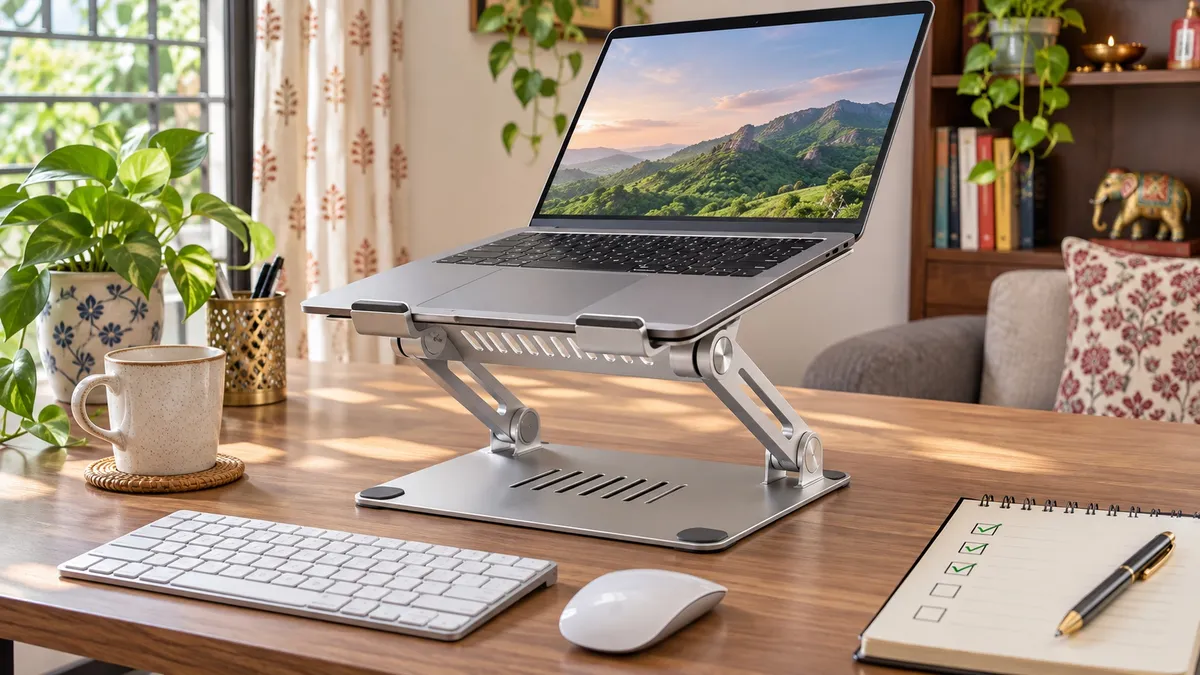
A laptop stand raises the screen toward eye level. It cannot fix a bad chair, and it only works if you also use a separate keyboard and mouse, because the laptop’s own keyboard ends up too high. We have not tested stands, so this is a checklist rather than a ranking.
Do you need one?
On a desk, a laptop screen sits low and you tend to look down. OSHA’s workstation guidance says the top of the screen should be at or slightly below eye level (OSHA). A stand gets you there. If you only use the laptop for short sessions, a stand plus keyboard may be overkill.
Three types
| Type | Good for | Watch out for |
|---|---|---|
| Fixed riser | A permanent desk | One height, which may not suit you |
| Foldable or portable | Carrying between home and office | Wobble, lower weight limits |
| Height-adjustable | Shared desks, different users | More joints that can loosen |
Checklist
- Screen size: the listing should name your size, such as 13” or 15.6”.
- Weight limit: find your laptop’s weight on its spec sheet and make sure the stand’s limit is clearly above it. A 15.6” laptop is usually heavier than a 13” ultrabook, so do not assume.
- Height range: seated, the top of the screen should sit near eye level.
- Material: aluminium and steel are rigid; thin plastic can flex.
- Pads: silicone pads protect the laptop and stop slipping.
- Airflow: an open design lets air reach the base.
- Stability: read reviews for wobble, especially on foldable models.
- Keyboard and mouse: budget for these if you have none.
Where to look: laptop stands on Amazon.in. Filter by your screen size and compare the weight limit against your laptop. Check the live price, which changes.
A five-minute setup
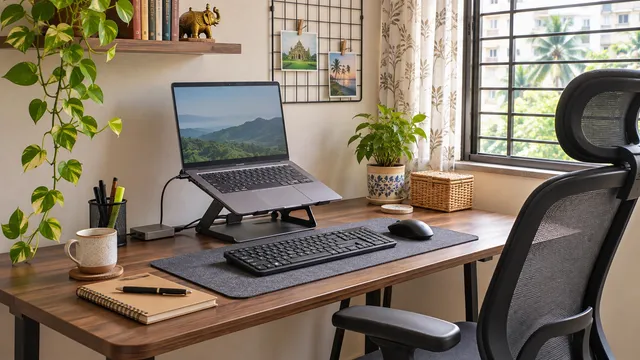
Sit back and rest your arms comfortably. Raise the stand until the top of the screen is near eye level, and keep the keyboard and mouse at elbow height. Our laptop stand guide goes deeper, and the wireless mouse guide and silent mouse guide cover the mouse. For a full desk plan see Work From Home Desk Setup in India. More in Gadgets.
Frequently asked questions
Does a laptop stand cool my laptop?
It can improve airflow around the base, but it is not a cooling device. Results depend on the laptop.
Can I use the laptop keyboard on a stand?
It is uncomfortable because the keyboard sits too high. Use an external one.
Is a foldable stand stable enough?
Some are, some wobble. Check reviews for the exact model and its weight limit.
What size should I buy?
One that lists your screen size and your laptop’s weight as supported.
Will it fit a MacBook?
Check the listing’s supported sizes and where the stand touches the laptop.
More in Gadgets
- Gadgets
Study Table Lamp in India: How to Choose the Right One for Studying or Work
Choosing a study or desk lamp in India? What brightness, colour temperature, arm type and battery backup you need, and how to check a listing.
- Gadgets
Best Silent Wireless Mouse in India: Is a Quiet-Click Mouse Worth It?
Quiet-click wireless mice explained for India: what 'silent' really means, who benefits, what the Logitech M221 claims, and how to check an Amazon.in listing.
- Gadgets
Work From Home Desk Setup in India: A Budget Checklist
Build a comfortable work-from-home desk in India in the right order: chair, screen height, keyboard and mouse, then cables, with what to check before buying.